

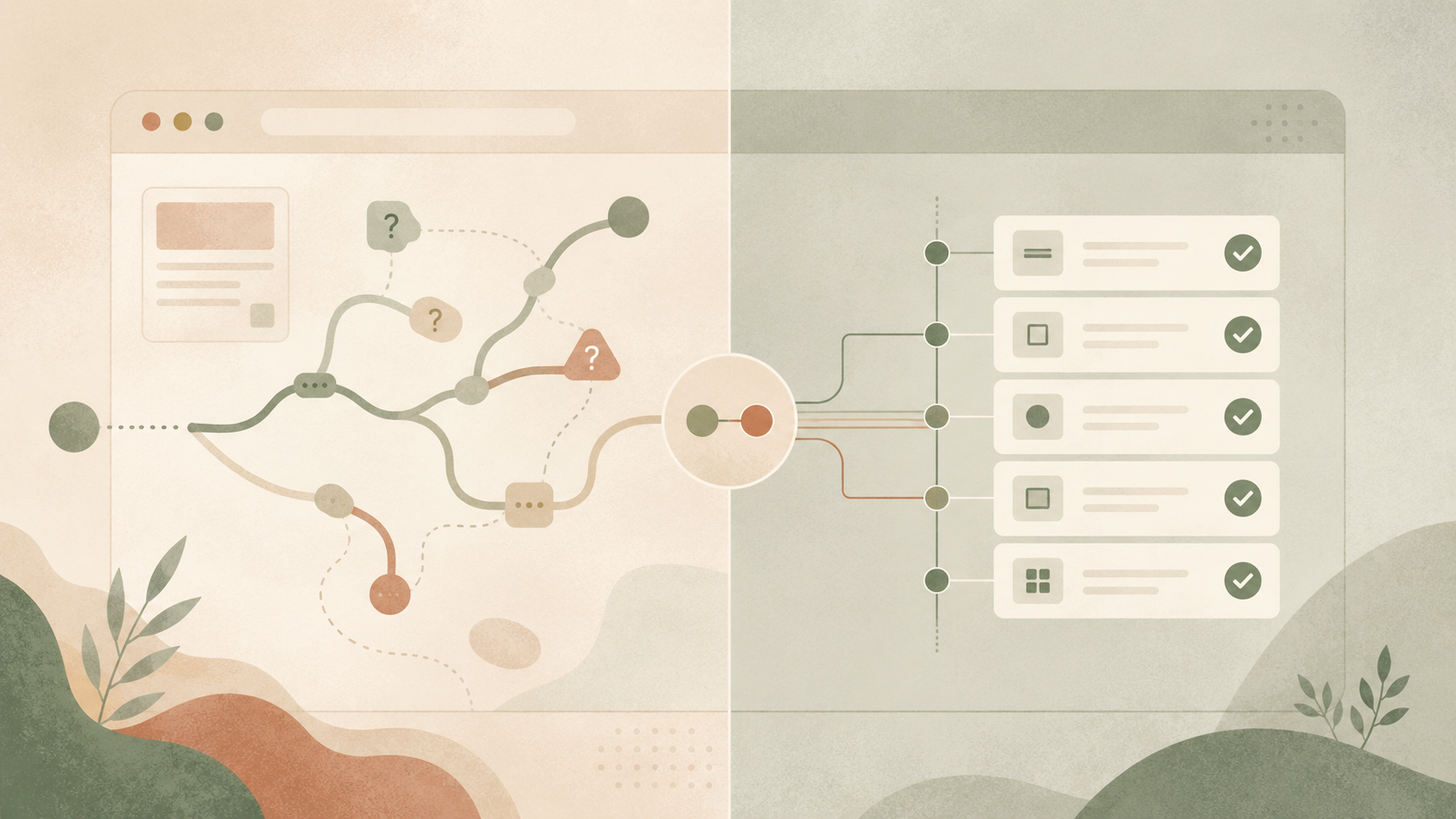
AI agents can now use browsers almost like humans do. They can navigate applications, inspect the DOM, read screenshots, click buttons, and complete multi-step workflows. But does that mean they should replace traditional end-to-end tests? At the moment, no.
AI browser agents are one of the most powerful additions to the software development workflow in years. However, they are not a replacement for deterministic Playwright tests. If you treat the two as interchangeable, you risk building a testing strategy that is brittle, expensive to run, and unreliable.
To use AI browser agents and deterministic Playwright tests effectively, you need to understand what each approach is designed to validate and the type of confidence it produces. This article will compare both approaches, explain where AI browser agents provide the most value, where deterministic Playwright tests have significant advantages, and how the two can work together in an AI-assisted development workflow.
Two ways to control a browser
When it comes to browser-based end-to-end testing, two approaches that are becoming increasingly popular are writing deterministic Playwright tests and using an AI agent connected to a browser.
Writing deterministic Playwright tests
A deterministic Playwright test encodes a fixed sequence of actions and expectations for a user flow. A test might look like this:
test("a user can create a project", async ({ page }) => {
  await page.goto("/app/projects");
  await page.getByRole("button", { name: "New project" }).click();
  await page.getByLabel("Project name").fill("Acme onboarding");
  await page.getByRole("button", { name: "Create project" }).click();
  await expect(page.getByText("Acme onboarding")).toBeVisible();
});
This test defines a concrete path through the application. It specifies where the user starts, which controls they use, and what must be true after each step. The browser does not interpret intent or infer next steps. Each action follows a predefined sequence, and each assertion checks a specific UI state.
The explicit sequence also turns the test into a stable representation of behavior over time. When the application changes, the test continues to validate the same flow or fails in a way that directly reflects the change in the system.
Using an AI agent connected to a browser
The second approach is to let an AI agent drive the browser for you. Instead of executing predefined test code, the agent controls the browser by making tool calls and interpreting the results. The underlying steps look something like this, regardless of framework:
tool: browser_navigate;
input: {
  url: "https://example.com/app/projects";
}
tool: browser_snapshot;
output: "button: New project, table: Projects...";
tool: browser_click;
input: {
  element: "New project";
}
tool: browser_snapshot;
output: "dialog: Create project, input: Project name...";
Modern browser-agent frameworks often abstract these details away, but the underlying execution model remains the same. The agent operates in a continuous observe → reason → act loop. After every action, it typically needs to inspect the current state of the browser, decide what to do next, and issue another command.
To make those decisions, the browser state has to be serialized into something the model can understand. Depending on the system, that context may include a DOM snapshot, screenshots, previous tool outputs, conversation history, and the agent’s own intermediate reasoning.
When should you use which flow?
Choosing between an AI browser agent and a deterministic Playwright test depends on what stage of the development process you’re in.
Use AI agents when behavior is not yet clear
AI browser agents are most useful when system behavior is not yet well understood. For example:
-
You are exploring an unfamiliar feature before making changes.
-
You want to translate a new or changed workflow into an initial Playwright test.
-
You just changed a UI and want to explore the new behavior before it’s well understood enough to test.
-
You need to inspect the DOM and discover reliable locators.
-
You have a failing test and want help understanding what a user would actually see.
In these situations, non-determinism is valuable. The agent can investigate and detect unexpected behavior. It can inspect screenshots, summarize what it sees, and help explain why something is failing. For example, instead of simply reporting that a button cannot be clicked, it may notice that a loading state is blocking the page, that a modal never opened, or that the button exists but is disabled.
Use deterministic Playwright tests when you know what should be true
Playwright tests are most valuable once you have defined exactly how a task should be completed, including the path taken to get there. You need confidence that it can be completed in the way you intended.
Imagine a test for a project creation flow: when an agent powered browser could have chosen either the standard “New project” button, or the one that appears in the overlay of your onboarding flow. Both are very important flows, and you want to make sure that both of them are viable, working user paths.
These are the situations where deterministic Playwright tests become valuable. They allow you to encode not just the outcome, but the exact sequence of interactions and expectations that define the behavior. If you took the time to design the intended user flow, it’s worth spending time encoding the intentions behind that design:
await page.getByRole("button", { name: "New project" }).click();
await expect(
  page.getByRole("dialog", { name: "Create project" }),
).toBeVisible();
await page.getByLabel("Project name").fill("Acme onboarding");
await page.getByRole("button", { name: "Create project" }).click();
await expect(page.getByRole("dialog", { name: "Create project" })).toBeHidden();
await expect(page.getByRole("link", { name: "Acme onboarding" })).toBeVisible();
When someone reads this test, it represents a definition of the expected user experience. It specifies which entry points are valid, what intermediate states should appear, and what the system must do after each action.
Deterministic Playwright tests do not guarantee correctness by default. They can still be poorly written. But once expressed in code, the behavior is made explicit. The execution path is fixed, and the assertions define exactly what must be true at each step. This makes it possible to reason about product behavior directly from the test itself, rather than inferring it from a natural language description.
How AI agent costs compound at scale
Unlike deterministic Playwright tests, an AI browser agent does not follow a fixed sequence of steps. It observes the page, decides what to do next, and calls the model at every step to continue the interaction. A single test becomes a sequence of model-driven decisions, and cost scales with both the number of tests and the length of each interaction.
The cost comes from three places: repeated model inference for each decision, the browser actions required to execute each step, and the context sent to the model to make those decisions. Every interaction requires a new state from the browser, and the model must reprocess that state before it can proceed.
A Playwright test avoids most of this overhead. It executes a predefined sequence of browser actions and assertions without requiring intermediate reasoning. Each step runs once, and the test does not re-evaluate or reinterpret the state of the application.
In this model, cost comes primarily from browser execution and test runtime. The control flow stays in code, not in a model loop. As a result, scaling your test suite mostly increases execution time, not decision-making overhead or token usage.
Some teams try to soften the cost problem with hybrid frameworks like Stagehand, which blend deterministic actions with AI fallbacks. These can help, but they add real complexity to solve a problem that is already small. Deterministic tests are cheap to run, and the AI drafts cost so little that the added cost of the hybrid system isn’t always worth it.
What a healthy AI-assisted test workflow looks like
A useful mental model is to think of browser tests the same way you think about application code.
We do not regenerate an application from scratch every time a user visits it. We write code once, store it, and serve many requests from that stable implementation. End-to-end tests should follow the same pattern.
Use AI during creation, not execution
AI browser agents are most useful when you are exploring a feature or trying to understand how it behaves. They can help you navigate the application, surface edge cases, and turn manual exploration into an initial test draft.
Store behavior as code, not prompts
Once a workflow is understood, it should be encoded as deterministic Playwright code and committed to version control. This turns tests into durable artifacts rather than ephemeral instructions. Unlike prompts, code can be reviewed, refactored, and executed repeatedly with the same outcome.
Treat tests as executable memory
Well-written end-to-end tests become a form of institutional memory. Months later, they describe not just what the system does, but what the team considered important enough to protect. They encode assumptions, workflows, and product decisions in a way that survives team turnover and refactoring. They also make the next test easier to write, since established patterns show you both what to follow and what is still missing.
This can be valuable during large changes, such as framework migrations or architectural rewrites, where implementation details shift but the intended behavior should remain stable.
A working approach
AI has made browser automation dramatically more accessible. It can explore applications, surface issues quickly, and translate messy interactions into structured flows. However, the long-term value comes from what is preserved.
Reliable testing systems preserve behavior explicitly in code rather than rediscovering it on every run. That behavior can then be reviewed, versioned, and executed consistently. Deterministic Playwright tests serve this role by turning understanding into durable artifacts that teams and CI systems can rely on over time.
AI can help you understand how a feature behaves and even draft a test, but you should use deterministic Playwright tests to encode the final behavior.
Tools like Endform are designed for exactly this: running large Playwright suites in full parallelism without configuration overhead. Endform lets you run hundreds or thousands of Playwright tests in parallel, so your overall runtime is bounded by the slowest test.